What Is an IPTV Encoder and How Does It Affect Your Streaming?
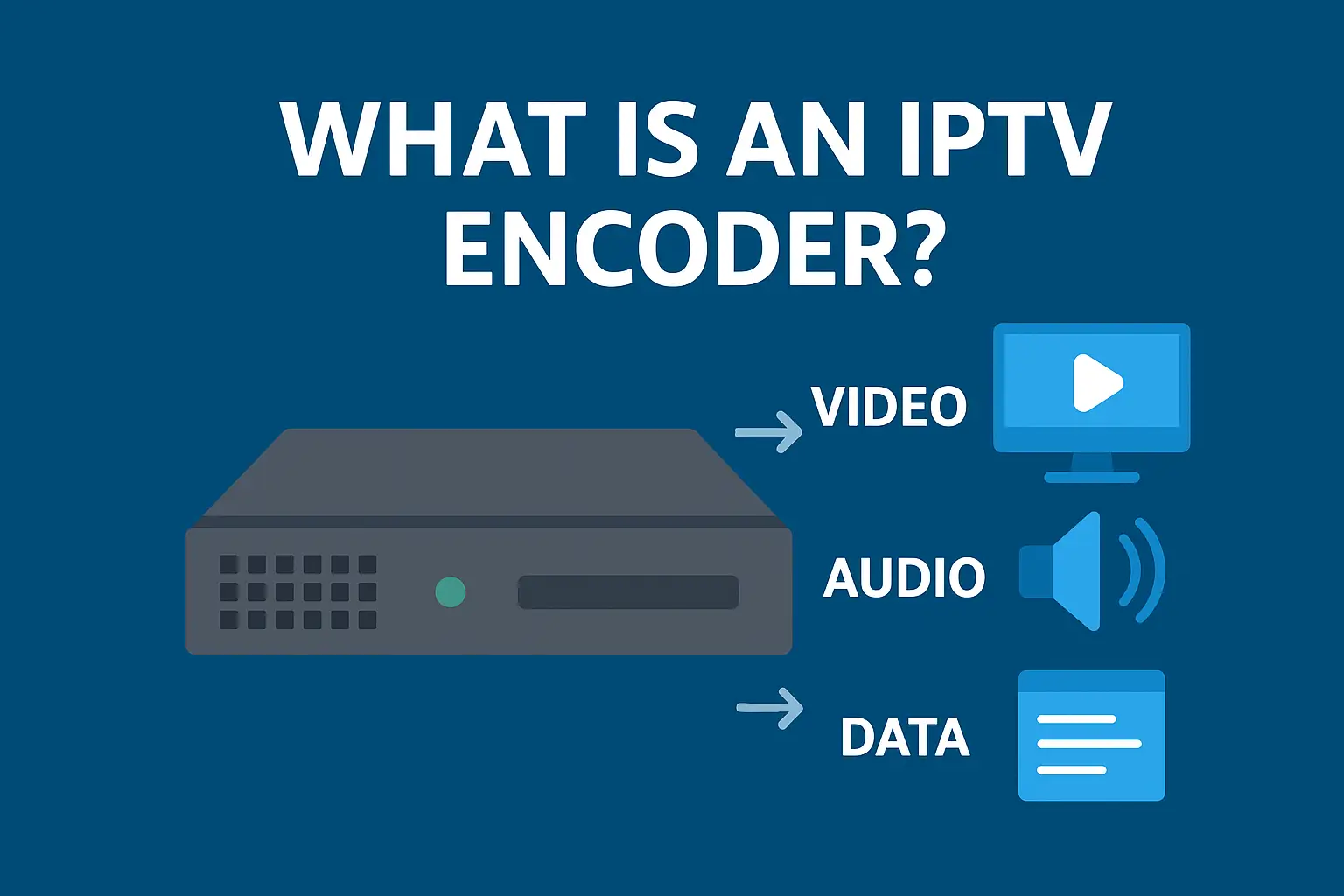
Ever wonder how thousands of TV channels get to your screen? This guide explains what an IPTV encoder is in simple terms and why it's the most critical component for a high-quality, buffer-free IPTV service.
Introduction: The Unsung Hero of Your IPTV Service
You press play, and a crystal-clear 4K sports channel from across the world appears on your screen instantly. It feels like magic, but it's actually a masterpiece of technology. At the very heart of that process is a powerful piece of equipment you’ve probably never heard of: the **IPTV encoder**. So, what is it, and why should you, as a viewer, care about it?
Understanding what an **IPTV encoder** does is the key to understanding the difference between a cheap, unreliable IPTV subscription and a premium, buffer-free one. This guide will break down the complex technology of IPTV encoding into simple terms, explaining how it works and why it's the most important factor for your streaming quality.
Understanding the Basics: What Does an IPTV Encoder Do?
In the simplest terms, an **IPTV encoder** is a device that acts like a super-intelligent video compressor. Its job is to take a raw, massive video feed from a satellite, cable box, or camera and shrink it down so it can be sent efficiently over the internet without losing quality.
Think of it like this: an uncompressed 4K video stream is like a giant river—too big to fit through a normal pipe (your internet connection). The **IPTV encoder** is like a high-tech facility that intelligently funnels that giant river into a small, pressurized water jet. It’s the same amount of water, just packaged so it can travel quickly and efficiently to its destination—your TV.
The Step-by-Step Process: From Raw Signal to Your Screen
The "magic" of an encoder happens in a few critical steps, all in a fraction of a second:
- Ingestion: The encoder receives a raw video signal, usually through a professional HDMI or SDI connection.
- Compression: This is the most important step. The encoder uses advanced algorithms (like H.264 or the newer, more efficient H.265) to analyze the video. It cleverly removes redundant data—like parts of the image that don't change between frames—to drastically reduce the file size. This is how a massive broadcast signal is made small enough for your internet connection.
- Optimization: A high-quality encoder doesn't just shrink the video; it optimizes it. It applies motion estimation and other techniques to ensure that fast-moving content, like live sports, remains sharp and clear without becoming a pixelated mess.
- Packaging: Finally, the compressed video and audio are packaged into small "packets" of data, ready to be sent across the internet to your device.
Why the Encoder Is the #1 Factor in IPTV Service Quality
Many people think buffering is caused by their internet speed, but very often, the real culprit is a poor-quality encoder used by a cheap IPTV provider. Here’s why the encoder your provider uses matters so much:
- Hardware vs. Software Encoders:
- High-End Hardware Encoders: These are dedicated, professional machines that cost tens of thousands of dollars. They use specialized computer chips (ASICs) designed for one job: compressing video perfectly with almost zero latency. This is what professional broadcasters and premium IPTV services use. The result is a stable, high-quality stream that rarely buffers.
- Cheap Software Encoders: Low-cost providers often run encoding software on standard, overloaded computer servers. This is much cheaper but can lead to poor compression, dropped frames, and high latency, which results in the freezing and buffering that ruins your viewing experience.
- Bitrate and Quality Control: A good encoder allows for precise control over the bitrate (the amount of data used for the stream). Premium providers use adaptive bitrate technology, ensuring the stream remains stable even if your internet connection fluctuates slightly.
Pro-Tip: When choosing an IPTV provider, a key sign of quality is their investment in their server infrastructure. A service that guarantees 99.9% uptime is signaling that they use professional-grade hardware, including high-end encoders.
How This Affects You, the Viewer
You don't need to buy an **IPTV encoder** yourself—that's the provider's job. But understanding what it is empowers you to choose a better service. When you see a provider advertising "Anti-Freeze Technology" or "99.9% Uptime," what they're really telling you is that they've invested in professional encoders and servers to deliver a superior, buffer-free stream.
A cheap, unreliable **IPTV service** cuts corners on this crucial hardware, and you pay the price with constant freezing, especially during major live events.
Conclusion
The **IPTV encoder** is the invisible workhorse of your streaming experience. It's the critical technology that transforms massive broadcast signals into the smooth, high-quality streams you enjoy on your devices. While you never see it, the quality of the encoder your provider uses is the single biggest factor in determining whether your service is a pleasure to watch or a buffering nightmare.
Ready to experience the difference that professional-grade infrastructure makes? Our IPTV service is built on a foundation of high-end encoders and servers. Start your 24-hour trial and see what truly stable streaming feels like.
Frequently Asked Questions (FAQs)
Q1: Do I need to buy an IPTV encoder to watch IPTV?
A: No, absolutely not. The encoder is part of the provider's infrastructure. As a user, all you need is a streaming device (like a Firestick), an internet connection, and a subscription to an IPTV service.
Q2: What is an HEVC/H.265 encoder and why is it better?
A: HEVC (H.265) is a newer, more efficient compression standard than the older H.264. It can deliver the same video quality at roughly half the bitrate. This means a provider using H.265 encoders can deliver a better-looking 4K stream using less of your internet bandwidth.
Q3: Can I use an IPTV encoder with my cable TV subscription?
A: As a consumer, this is not a practical or recommended setup. Encoders are designed for professional broadcasters to create streams, not for individuals to capture them. To watch content on multiple devices, a premium IPTV subscription is a much simpler and more effective solution.